Retail Software
 Distribution Software
 Retail Chain

Mobile Shop Bill Format: The Complete Guide with Free Templates

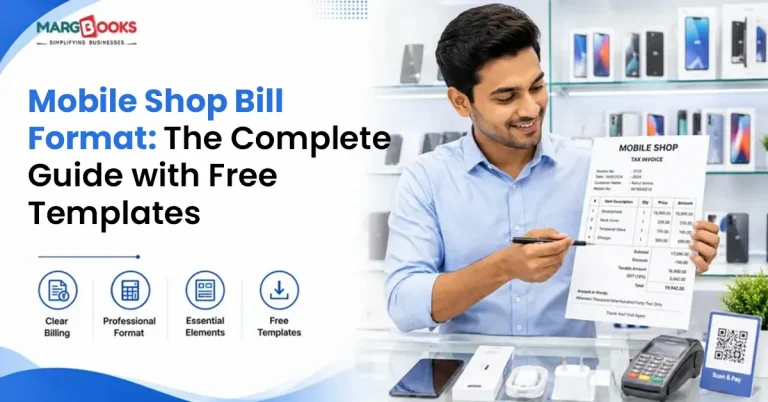
The moment you enter a cell phone store, you’ll immediately notice that the stores that offer you a neat and professional receipt look to be a lot more reliable than those that are writing your bill in a dirty notepad. It might not make any sense, but it is certainly true. A mobile shop bill isn’t just paper you hand over after taking someone’s money. It doubles as proof of purchase, a warranty document, a GST record, and honestly, sometimes it’s the only thing standing between you and an angry customer dispute six months later.
Thus, whether you are running a store that sells mobile devices, second-hand handsets, or simply repairs phones, getting your bill format done properly from the start will save you a lot of headaches in the future. The article explains what to include in the bill issued by a mobile phone shop, the various formats to consider, the role of the GST in the mobile industry, and how to create templates to implement in your job right away.
What Is a Mobile Shop Bill Format?
Think of it as the structure you follow every single time you issue an invoice, whether that’s for a phone, an accessory, or a repair job. It looks a lot like a normal retail bill, but with a few extra things baked in that mobile retail specifically needs. The biggest one? IMEI or serial number. The aforementioned number provides a link between an individual device and the customer. Whenever there is a warranty claim or if an insurance company needs to verify something, this number will be required. Once you understand how to create a bill, the whole process consists of filling in the blanks.
Key Elements of a Mobile Shop Bill
There is a considerable difference between what can be included in a bill and what should be included in the document. Essential information that should be included in a bill:
- Name, address, phone number of a shop, together with the GSTIN if there is such a thing.
- Bill number and date (keep these sequential; it matters for GST returns)
- Customer’s name and contact number
- IMEI or serial number of whatever device was sold
- What was sold, brand, model, storage variant, all of it
- Quantity, price per unit, discount, if any
- The GST breakup, which we’ll get into properly in a second
- Final amount the customer owes
Things that are nice to have, depending on how your shop runs:
- Warranty period, and what exactly it covers
- Your return or exchange policy
- How the customer paid, cash, UPI, card, whatever
- A signature or shop stamp somewhere on there
Most articles on this topic just say “add tax details” and leave it at that. That’s not really useful advice, so let’s actually break it down.

Types of Mobile Shop Bills
Mobile phones sit under HSN code 8517. The GST rate itself changes based on government notifications every so often, so double-check the current rate before you lock in your bill format. But honestly, the rate isn’t where people get confused. It’s the CGST/SGST vs IGST question that trips people up.
Selling to someone in your own state? That’s CGST and SGST, split down the middle. Selling across state lines? IGST applies instead, no split.
This isn’t just a technicality either; it affects your GST filing. So your bill format needs to have separate columns for each of these, not one lazy “tax” field lumped together. If you’re building this in Excel, set it up with a formula from day one. Trust me, one wrong manual entry here and your whole month’s GST filing is off.
There’s also a fourth type worth mentioning separately: repair bills. If your shop handles screen replacements, battery swaps, or other servicing, that’s a completely different bill structure. You’re not selling a device anymore; you’re billing labor plus parts. The IMEI still needs to be on there, though, so there’s a record of what device actually got serviced.
Paper Bills vs. Digital Bills vs. Software-Generated Bills
Most smartphones ultimately follow one of three paths. Paper bill books are still around, especially in smaller towns or shops that just haven’t bothered switching yet. And honestly, there’s something to be said for the simplicity, no software to learn, you just write it and hand it over. But the downsides catch up fast: lose the book, lose everything. Searching for an old bill means flipping through pages. And doing GST math by hand invites mistakes, plain and simple.
Digital invoices have greatly improved upon that. They enhance your document and make it far more user-friendly. The catch is that somebody’s still typing every field in by hand unless you’ve set up formulas ahead of time.
Billing software takes most of that manual work off your plate entirely. GST gets calculated automatically, IMEI numbers link straight to your inventory, repeat customers get tracked, and if you’ve got more than one outlet, you get reporting across all of them. If your shop does any real volume, this is usually where you feel the time savings the most.
How to Create a Mobile Shop Bill Format?
I would, however, advise you to create your own digital invoice. Cost-free and totally acceptable, it makes it look as if it has taken a fair amount of effort to create.
- Write down every field you actually need. Start with the non-negotiables from earlier, then add whatever’s specific to how your shop works.
- Decide on a platform. Word gives you full manual control, Excel is great if you want the tax math to happen automatically, and dedicated software makes sense once manual entry starts feeling like a chore.
- Get your GST fields right, GSTIN, HSN code, and separate columns for CGST, SGST, and IGST. Not one combined tax line.
- Add your branding. Logo, shop colors, a tagline if you’ve got one. Costs nothing and gives the entire appearance of being intentional instead of cobbled together hastily.
- Test it out in some real transactions before making any full-fledged launches.
- Have a way to share it digitally, too. Even if printed bills are your default, a PDF version ready to send over WhatsApp saves everyone time, especially when a customer needs a copy later for an insurance claim.
Manual Billing vs. Billing Software
| Bill Book / Manual | Billing Software | |
| GST calculation | Manual, mistakes happen | Automatic |
| IMEI tracking | Written down by hand | Tied directly to inventory |
| Speed per bill | Slower | Nearly instant |
| Record search | Digging through paper | Search takes seconds |
| Good for | Single small shop, low volume | Multi-store, higher volume |
If you’re only doing a handful of sales a day, honestly, a bill book or a basic Excel sheet will do just fine. It’s once you’ve got multiple staff members, several counters, or more than one location that manual formats start eating up more time than they save.
Where to Get Templates
Free mobile shop bill templates aren’t hard to find, PDF, Word, Excel, take your pick. But before downloading one, check for three things:
- Is there a real space for the IMEI/Serial Numbers, or will you have to put that there yourself?
- Do the GST figures appear separately, or will you have to resolve that later as well?
- Can you actually change the branding, or is the logo spot locked in place?
If a template’s missing any of these, expect to spend some time reworking it. A lot of these “universal” invoice templates floating around online just weren’t built with phone retail in mind. Honestly, this is where a lot of shop owners end up switching to dedicated invoicing software, since it’s already built around things like IMEI tracking and GST splits, so there’s nothing extra to fix later.
Best Practices for Mobile Shop Billing
- Don’t skip the IMEI field even on accessory-only bills where it doesn’t apply. Just write “N/A.” Keeps the field consistent so it doesn’t look like something got missed.
- Reconcile your bills against inventory at least once a week. The fastest way to catch stock issues before they become bigger problems.
- Check your bill format every few months, especially whenever GST rates or rules change.
- Still using paper for everything? At least move your higher-value phone sales to digital. The bills that may be requested in the future for warranty or insurance reasons are mentioned here.
Conclusion
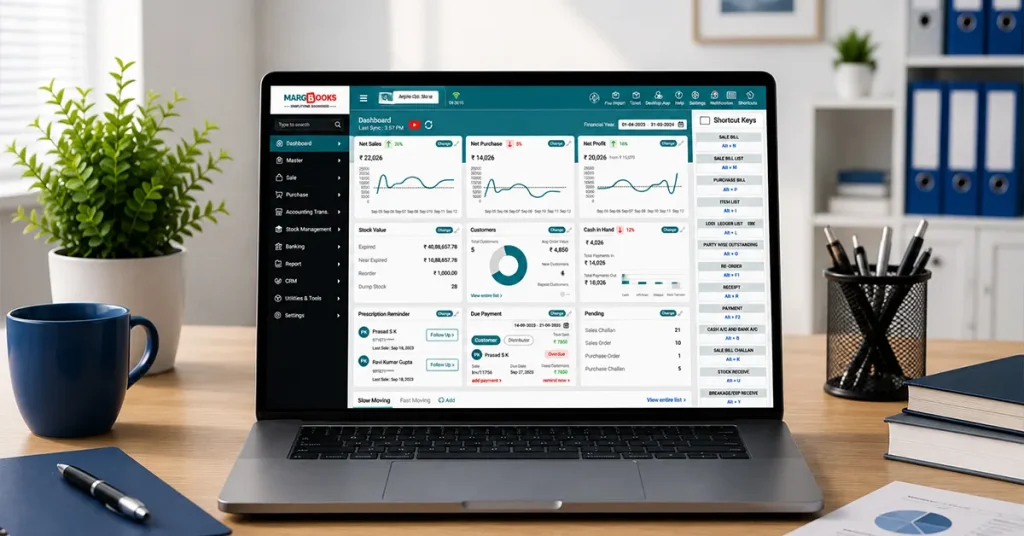
Getting the mobile shop bill format right isn’t complicated; it just takes a little upfront thought about which fields you actually need. Do that part properly once, and every bill after is just repetition. If you find it too overwhelming to manage GST, IMEI numbers, or inventory all on your own, you might consider using MargBooks Software, which will keep track of these things while you can just concentrate on running the shop.
FAQs
Is it necessary to write an IMEI number on a bill at a mobile shop?
Not always mandated by law, no, but it’s become standard practice, and warranty claims, insurance, and dispute resolution basically all expect it. Most billing software includes the field by default anyway.
Do I charge CGST+SGST or IGST on a phone sale?
Same state as your customer? CGST and SGST. Different state? IGST.
Can I use the same bill format for phone sales and repairs?
Not really recommended. Repairs are labor plus parts rather than a device sale, so the line items work better in a slightly different structure, even though your shop details and GST fields stay the same either way.
What is the simplest method to convert traditional paper invoices to electronic invoices?
Begin with an Excel document containing a GST-related formula. It’s a much smaller jump than moving straight into dedicated software, and you get a searchable digital record right away.
Where can I find a free, GST-ready mobile shop bill template?
Plenty of billing software companies and template sites offer these for free. Just check the IMEI field and the GST split before you commit to using one.

Aman Kannojia is the Digital Team Lead at MargBooks. He started out as an SEO Specialist and never lost his love for words. With 5 years of experience across banking, SaaS, and finance, both domestic and international, he brings strategy, leadership, and storytelling together. He doesn’t just manage a team, he builds one that creates.