
 Retail Software
 Distribution Software
 Retail Chain
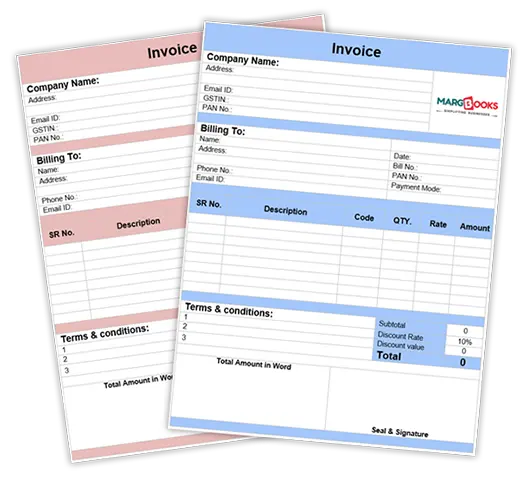







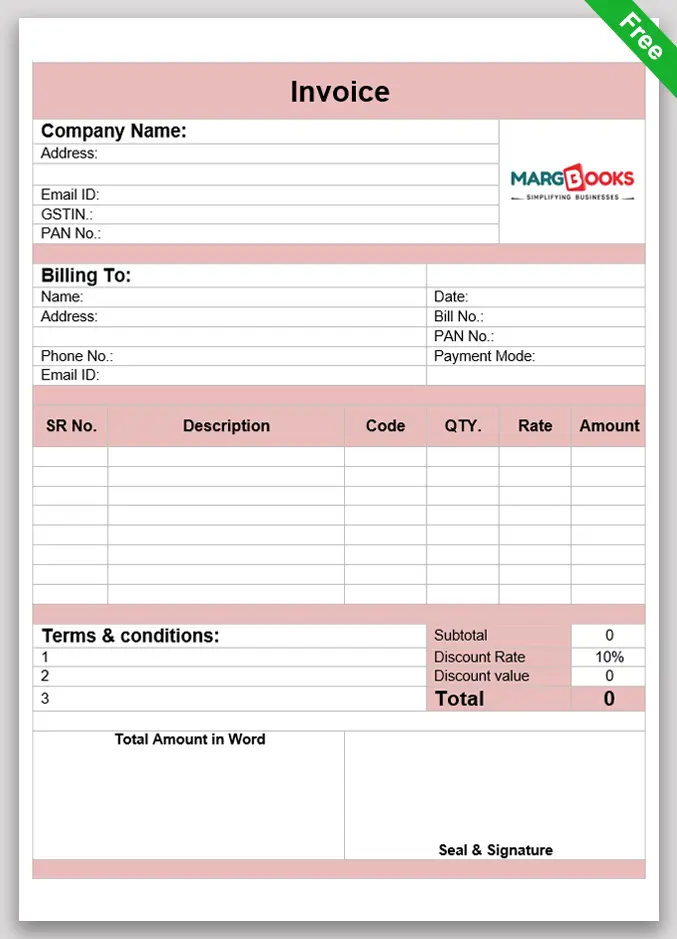
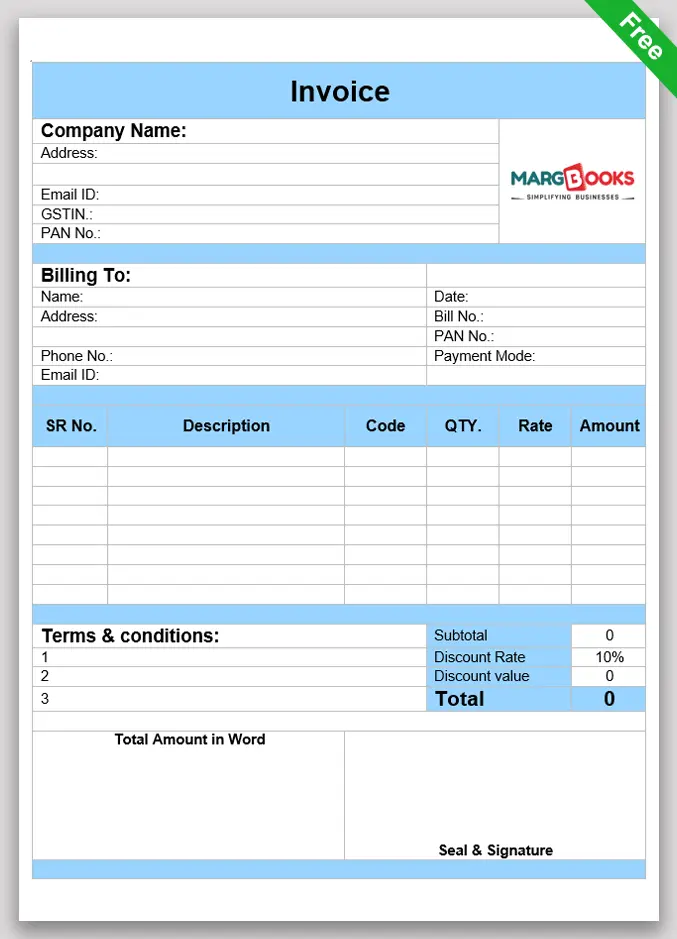
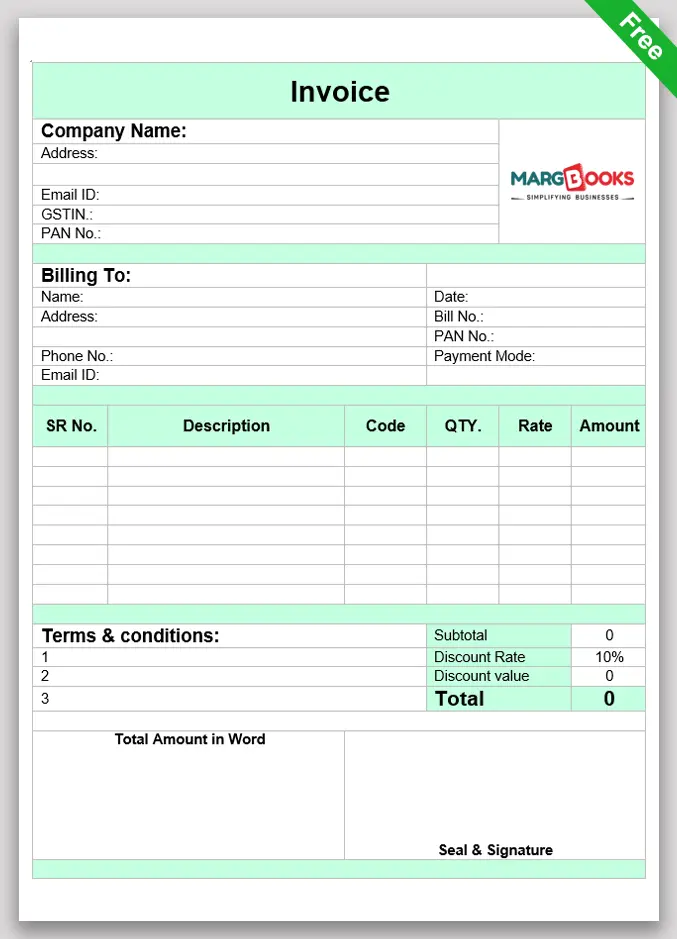
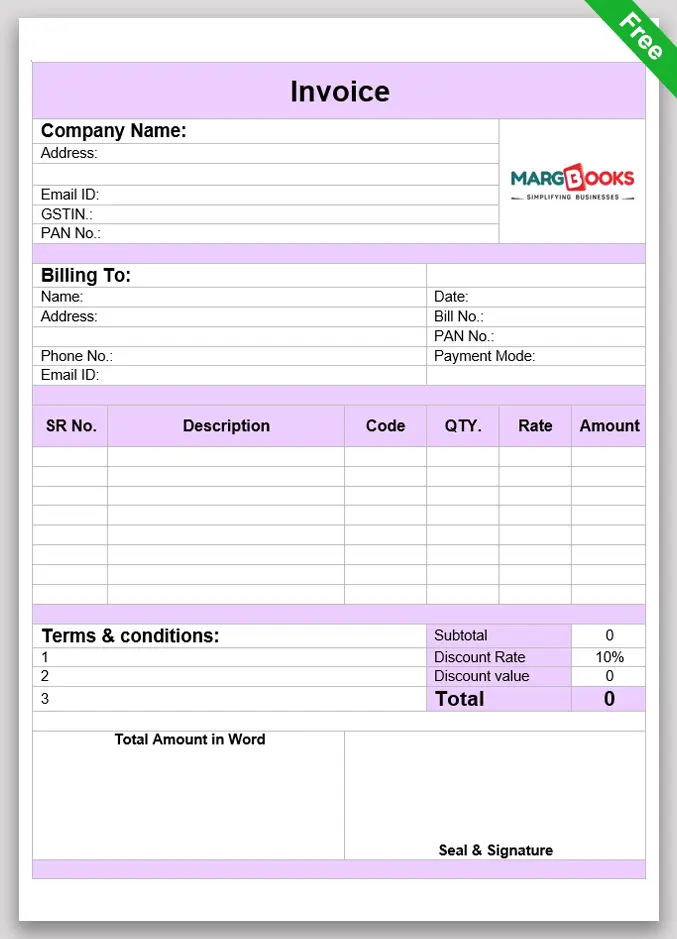
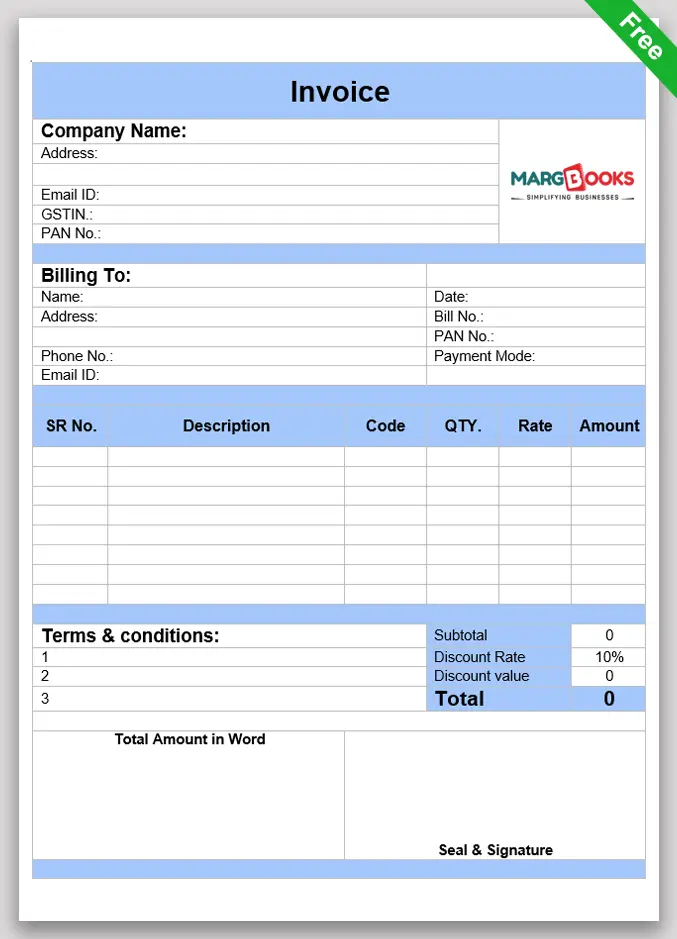
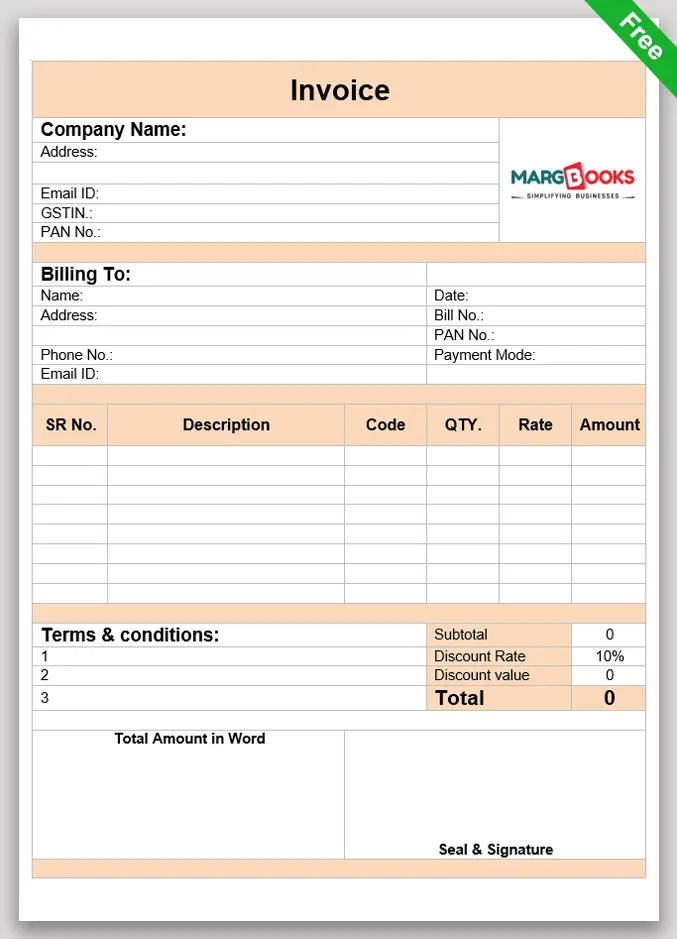
-

Title & Business
Information -

Customer
Details -

Invoice Number
& Date -

Itemised Product /
Service Details -

Tax Summary
(GST) -

Total Amount &
Payment Terms -

Place of Supply &
GST Type -

HSN / SAC
Codes
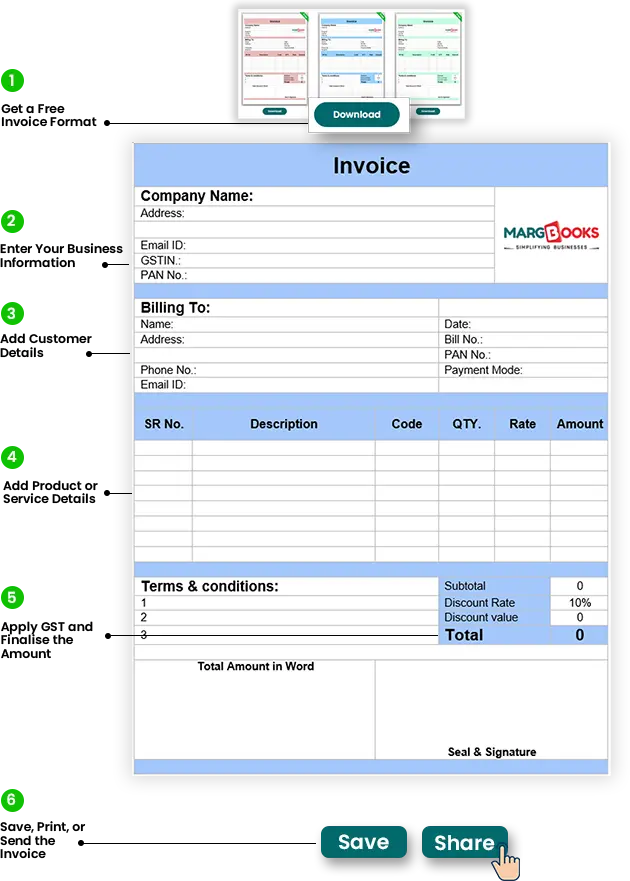
How to Use a Free Bill Format for Your Business?
Using a free bill format makes invoicing simple, organised, and professional for any business. It helps you create accurate bills without spending time or money on complex tools. With the right format, you can manage billing smoothly while staying compliant with basic business requirements.
Step 1: Get a Free Invoice Format
- Start by downloading a free bill format that suits Indian business needs. Vyapar offers GST-compliant invoice templates that are simple to edit and ready to use.
Step 2: Enter Your Business Information
- Fill in your business name, logo, address, contact details, and GSTIN. This makes your invoice legally valid and gives it a professional appearance.
Step 3: Add Customer Details
- Mention the customer’s name, phone number, address, and GSTIN if applicable. Accurate customer information helps maintain clear records and avoids billing issues.
Step 4: Add Product or Service Details
- List all goods or services provided. Include item names, quantities, rates, and line-wise amounts to keep the invoice clear and transparent.
Step 5: Apply GST and Finalise the Amount
- Add the relevant GST rates as per the transaction. Excel formats calculate totals automatically, while Word or PDF formats may require manual calculation.
Step 6: Save, Print, or Send the Invoice
- Once completed, save the invoice for your records. You can print it or share a PDF copy with customers through WhatsApp or email for quick delivery.







































 Gold
Gold Diamond
 Platinum
 Number of Users
 Number of GSTIN
 Number of Invoices
 Access
 Dashboard
 Account Master
 Items
Items Company
 HSN
HSN Manufacturer Name
 Opening Balance
 Sale Bill
 Purchase Bill
 Receipt
 Payment
 Ledger
 Day Book
 Sale Register (All)
 Purchase Register (All)
 Data Backup
 Repair Data Base
 Data Correction
 Invoice Template
 Import Pre-Design Template
 New Financial Year
 Multi Language
 Mobile Apps
 Category Master
 Unit
Unit
 Rate Master
 Discount Master
 Other Master
 Quotation
 Stock Issue
 Order
Order Sale Return
 Sales Challan
 Counter Sale
 Accounting
 Debit Note
 Credit Note
 Contra
 Journal
 Stock Management
 Trial Balance
 Cash/Bank Books
 Group Summary
 Outstanding Reports
 Misc Reports
 Books of Account
 Final Account
 Re-order
 Stock Statement
 Stock Summary
 Shortage Reports
 Item Ledger
 Sale-Party Wise
 Sales Analysis
 Pending Challan
 Pending Order
 Hold Stock
 Ban Stock
 Dump Stock
 Expired Stock
 Minimum Stock
 Maximum Stock
 Purchase-Party Wise
 Purchase Analysis
 Customer wise sale
 Statutory Statements
 E-way Bill
 GSTR 2B Reconciliation
 Internal Audit
 GST Tax Register
 Utility & Tools
 Non Working Data
 Download from Server
 Merge master
 Rearrance
 Cost Reposting
 Invoice Design
 Barcode Template
 Download Invoice Design
 Import Method
 Transaction Locking
 Barcode Billing
 Barcode Format Design
 Sales Promotion
 Purchase Import on single click
 O/S send by Email
 POS
POS Party wise Discount
 Company wise Discount
 Parameter wise Billing
 Secondary Billing
 Home Delivery
 Connected Banking
 Marg Pay
 E-Mail / SMS Setup
 Multi Unit
 CA access of Multiple Companies
 Pharmanxt
 Prescription
 Audit Trail
 Salesman
 Report Designer
 Multi series
 Warning Alarm
 Store
Store PDC Cheques Payment
 PD Cheque/Cash
 PDC Cheque
 Banking Reconcilation
 E-Invoice
 GSTR 2A Reconciliation
 Management Reports
 CRM
CRM Link Unit UQC
 Loyalty Bonus (Point System)
 API Integration
 VAT/TDS/TCS










 Call For Support