Retail Software
 Distribution Software
 Retail Chain

How Does Invoice Processing Work? A Step-by-Step Guide

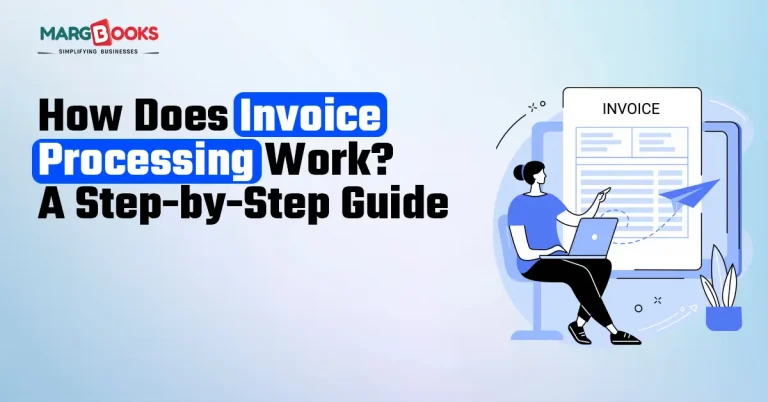
It’s not as easy as it appears to be when you first take it on. A product to sell, a service to offer, customers to serve. And then, somewhere between the excitement of your first sale and the reality of running an actual operation, invoices happened. Dozens of them. Sometimes hundreds. Coming in from vendors, suppliers, and contractors, all needing to be checked, approved, and paid on time.
If you’ve ever had that sinking feeling of not being sure whether a bill got paid, or worse, finding out you paid the same invoice twice, you’re not alone. Invoice processing trips up businesses of every size. We’ll guide you through the process step-by-step in this blog.
What Is Invoice Processing?
Think of invoice processing as the full journey an invoice takes from the moment it arrives at your door to the moment it’s paid, filed, and done with.
It’s not just “receive bill, pay bill.” There’s verification happening, approvals being sought, records being maintained, and taxes being tracked. Each stage matters. Miss one, and you could end up overpaying, underpaying, or falling foul of GST compliance — none of which are situations you want to be in.
Step 1: The Invoice Arrives
It all begins here. A vendor sends you a bill, maybe over email, maybe through a billing portal, maybe (if you’re still living in 2005) by post.
The moment it arrives, it needs to be logged. Date received. Vendor name. Amount. This sounds basic, but you’d be surprised how many businesses skip this step and then spend hours later trying to figure out when exactly that invoice showed up and whether it’s already been actioned.
Step 2: Getting the Details Down
When you get an invoice, someone needs to extract all the information (invoice number, line item(s), taxes paid, due date, and total $ amount). On a manual basis, they enter this all into a spreadsheet or account and read it all back to you.
Human error often occurs at this point! A transposed number. An incorrect amount for tax was entered in the wrong field. While this appears to be a small error, such minor errors can lead to major complications when you reconcile your accounts at the end of a month or file your GST returns. It is for these reasons that many companies are beginning to use GST invoice software. Instead of manually entering each number, the system uses the software to scan the invoice and then automatically pull the correct number for those fields on the scanned invoice.
Step 3: Does Everything Actually Add Up?
The invoice must be validated before payment. This means asking a few important questions:
- Does the amount match what was quoted or contracted?
- Is the GST calculated correctly?
- Does it line up with the purchase order that was raised?
The process of matching all three documents is referred to as a three-way match, meaning that once you’ve compared the purchase order, delivery receipt and invoice (specifically) and they’re matched, you can make the payment. If they don’t, you need to find out why before a single rupee leaves your account.
For GST-registered businesses, this step carries extra weight. An error in the tax figures doesn’t just throw off your books; it can directly impact your input tax credit claims and create compliance problems you really don’t want.
Step 4: Getting It Approved
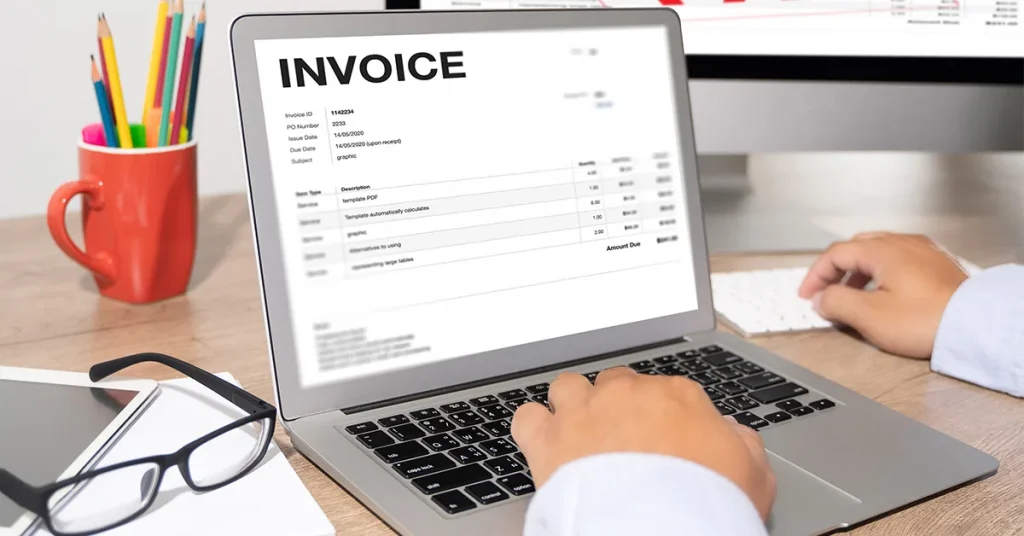
With the invoice verified, it now needs sign-off. In a small business, this might just be you glancing at it and giving the go-ahead. In a larger setup, it could pass through a department head, a finance manager, and sometimes even the top of the chain for big-ticket items.
Invoices are collected in email inboxes. Employees are really busy. They are in meetings or travelling. Sometimes employees get really busy. Don’t have time to check invoices. Invoices have payment deadlines that are approaching fast. These deadlines are getting closer and closer every day, which is concerning for these invoices.
Payment deadlines inch closer. And vendors, who have their own bills to pay, start following up.
A digital approval workflow changes this entirely. With the right software, the appropriate person receives notification immediately after receiving an invoice. They can check it from either their mobile phone or laptop and approve it with a simple click. No email chains. No chasing. No delays.
Step 5: Making the Payment
Once approved, the payment gets processed, bank transfer, UPI, cheque, whatever your preferred method. The invoice is marked as paid, and ideally, the vendor gets notified automatically.
Simple enough, unless you don’t have a proper system. You can end up with payments, or the money goes to the wrong bank account because the details are old. Someone types in the wrong amount, and this is the loophole that creates a problem at the time of audit.
Step 6: Storing, Filing, and Reconciling
Here’s the part people often forget: Invoice processing doesn’t end at payment. Every invoice needs to be stored properly, categorized correctly, and eventually reconciled against your bank statements and GST filings.
This is where cloud-based billing software genuinely changes the game. When your invoices, payments, GST data, and financial records all live in one place, updated in real time, the month-end reconciliation that used to eat up an entire day becomes a task that takes minutes.
Now your GST returns are accurate because the data feeding them is accurate. Your books reflect reality. And you’re never caught scrambling because some of the accounts didn’t match up.
So, Why Does Any of This Matter?
Because bad invoice processing is quietly expensive. It costs you the hours your team spends chasing approvals, fixing errors, and hunting down missing invoices. It costs you money through duplicate payments, missed input tax credits, and late payment penalties. And it costs you relationships, vendors who aren’t paid on time don’t forget it.
Switching to a smart cloud-based billing software isn’t about adding complexity. It’s about removing it. It’s all about having a system set up so that you don’t have to spend all your time doing the same repetitive and tedious tasks, allowing you to concentrate on the necessary things that require your effort instead.
Conclusion
All in all, the best solution to this issue is to implement an effective GST invoice processing program that converts what used to be a source of continual stress for your business into something that simply runs in the background, silently doing its job as it was always meant to. So whether you are a small retail operation, an expanding services-based business, or a medium-sized manufacturer, the right GST invoice software, such as MargBooks software, will take away your need to be stressed over the invoice process and make the invoice processing experience as smooth as possible.

MargBooks, a product of Marg ERP Ltd., is a revolutionary cloud-based billing & accounting solution for every business where the business owner can manage the business from anytime anywhere on any device. MargBooks is your one-stop platform for managing your accounting, organizing your transactions, controlling your finances and managing your inventory. It’s a single secure platform to keep up with your company’s bills and invoices, reconcile your transaction, file GST return easily, experience connected banking etc.